Give the microphone a clean starting point
Use a microphone and input path that are compatible with each other. A conventional microphone may need an audio interface or preamp; a USB microphone provides its own digital connection. Follow the microphone and interface instructions for any power requirements.
Start with headphones. A loudspeaker playing the loop can spill back into the microphone and become part of the next recording. At higher levels, an open microphone and speaker can also create feedback. Keep the listening level comfortable and the first test simple.
Sing the loudest phrase you expect to record before setting input gain. Then practise the softer sounds. Try to keep your microphone distance consistent while testing; changing distance can change the level enough to obscure whether a layer needs an adjustment.
Three roles, with the lead left unrecorded
- Record a short rhythmic mouth sound for two bars. Choose a pattern that makes the downbeat easy to follow.
- Listen to the repeat by itself. Leave out extra fills until the join feels settled.
- Add a held hum or simple pitched response. Keep it sparse enough that you can still hear the rhythm clearly.
- Stop recording and sing a lead phrase over the loop. Notice which notes or syllables get masked.
- Reduce or replace the background part before recording another layer.
The rhythm, harmony, and lead have different jobs. A loop becomes easier to sing over when the backing parts leave openings rather than competing with every word. You can make a complete practice session from those two recorded layers and one unrecorded lead.
If a phrase needs a breath, give it one. An empty beat can make a repeated vocal part feel natural, and it creates a place for the next part to answer.
Listen for what the microphone recorded twice
The background gets louder on every take: check whether playback is leaking into the microphone. Test again with headphones and no room speakers.
The rhythm loses its definition: listen to the layers separately if your looper supports it. Several quiet breath sounds or low notes can build into a dense background. Remove one before reaching for more effects.
The lead sounds delayed in your headphones: investigate monitoring before re-recording the rhythm. Hearing yourself late and having a badly closed loop are different problems. The latency troubleshooting guide gives you a short test to separate them.
Keep the voice in front of the controls
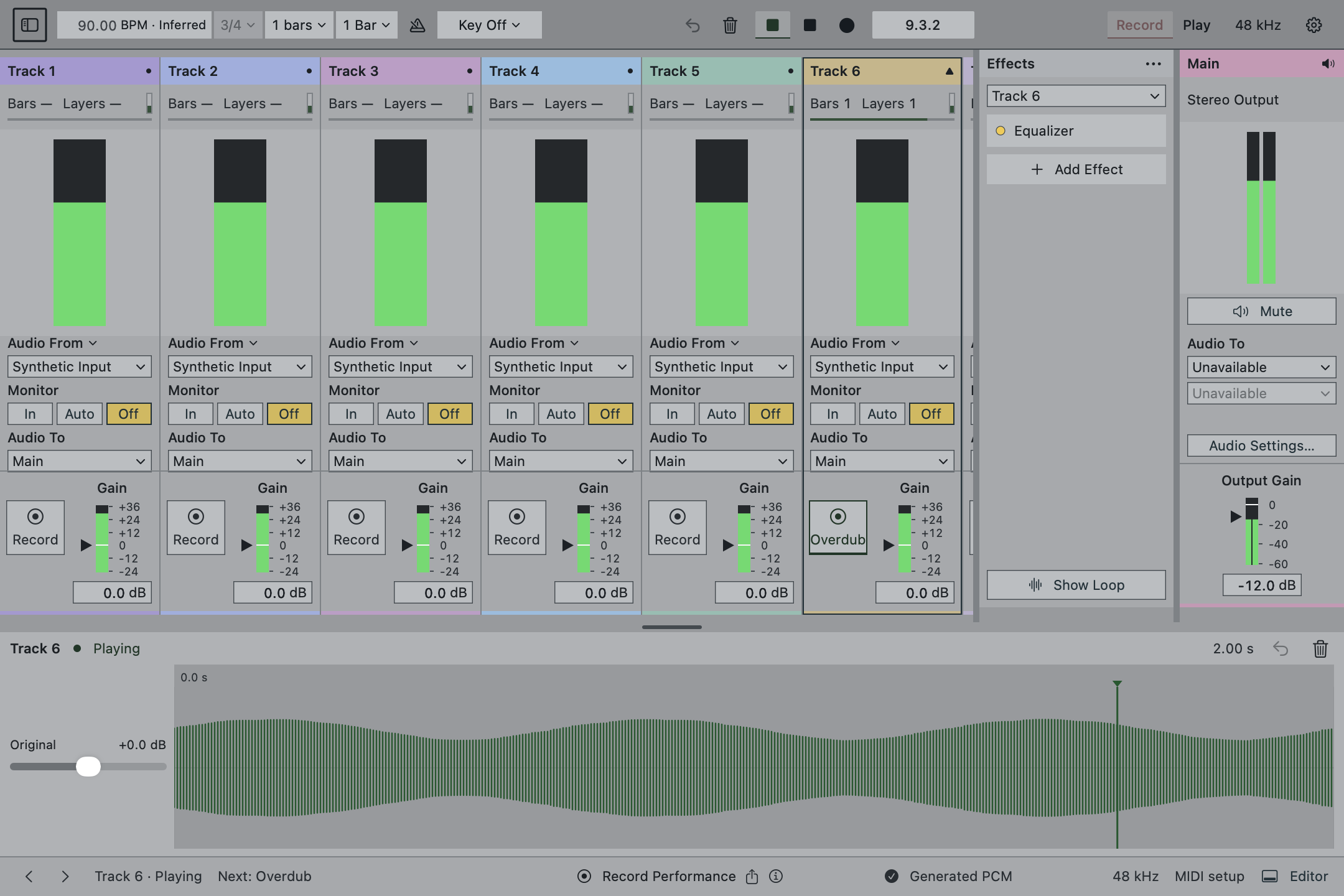
Coherent’s development build offers individual layer volume controls and optional MIDI footswitch mappings. You can build a backing part, change the selected track, or remove the latest overdub without turning every adjustment into a mouse movement. Peel provides one level of overdub recovery per track.
Public access is not available yet, and we are not claiming compatibility with every microphone or controller. Start with the first-loop exercise, then if this way of making music fits you.